@Starburst: Another thing... Don't trust the linux images that some of these VPS's install... They can even have some back doors. That is why i Reccomend installing from images.. Assuming that with 1&1 you can get console access. Open the console, and a terminal(Easy to copy and paste)
In your terminal enter:
cd /boot && wget -c "https://boot.netboot.xyz/ipxe/netboot.xyz.lkrn" then reboot, and once you reboot, in your console, press the ESC key until you see a Grub menu, then press the letter C
After that type in
linux16 /boot/netboot.xyz.lkrn, then
boot
on some VPS's you need to do
linux16 /netboot.xyz.lkrn instead.
Tip: type in
linux16 , then /bo then TAB, and it should complete /boot/, then type in ne TAB, and it should complete the rest.... If it still doesn't see it, try just
linux16 /netboot.xyz.lkrn
After the
boot, if your VPS does not use DHCP to assign your static IP, then you will need to:
Quickly press "M" to bring up the menu.
Select "Manual network configuration".
Now you'll need to provide the following information in order for the script to download the image. This can all be found in your control panel:
IP address (found in panel)
Subnet mask (if you have issues relating to networking, try leaving this blank)
Default gateway (found in panel)
Set DNS to 8.8.8.8
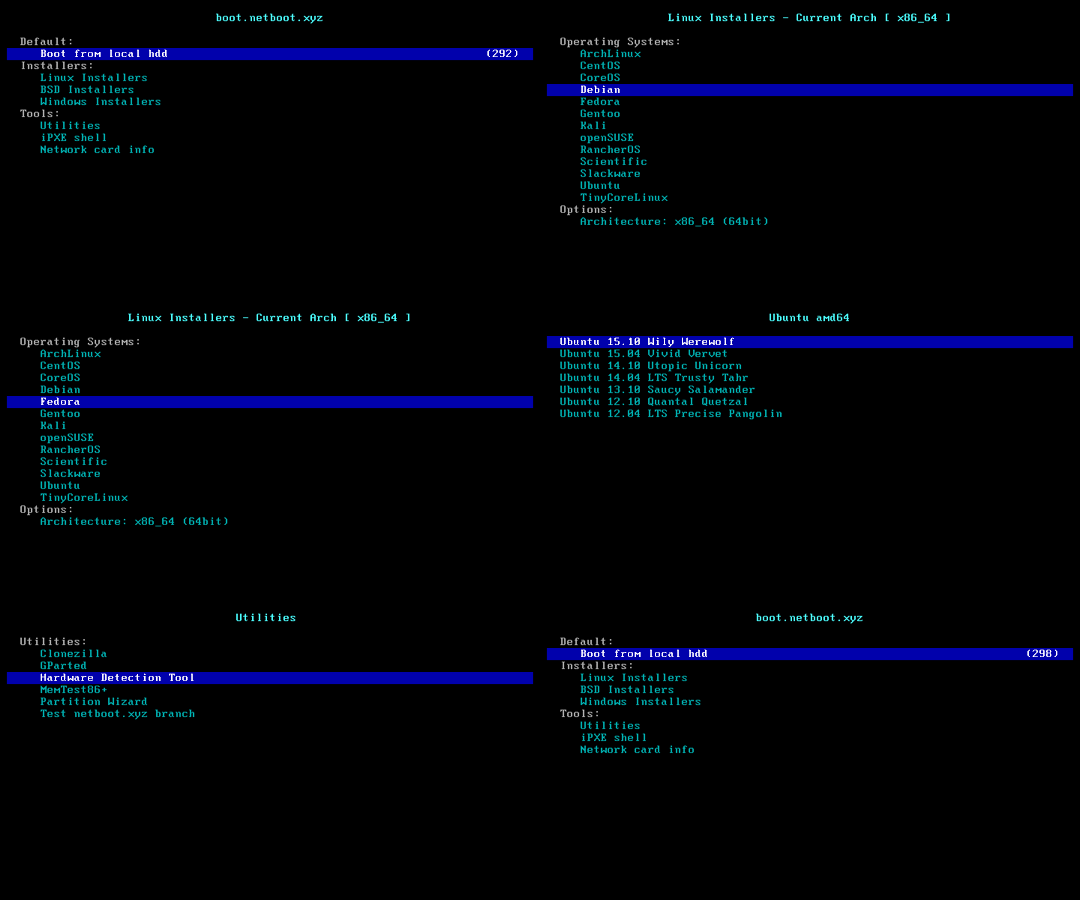
Then you can select any Linux install you want.
If you are installing Ubuntu 20.04, unless your VPS has a lot of RAM, use the legacy installer.
It is also a Good idea to install the OpenVmware tools after your install...
Bash:
sudo apt update
sudo apt install open-vm-tools
Then REBOOT before installing Incredible PBX.
I do this for all VPS's that arent Vultr, or Digital Ocean. May even do it on those too... Havent tried it.. But It gives me piece of mind of not having any bloatware that can cause problems. Or have some packages pre-installed that could cause problems.




 Phone System