

ostridge
Guru
- Joined
- Jan 22, 2015
- Messages
- 1,813
- Reaction score
- 625
GV trunks for iPBX? I'm not certain but suspect GV will be detecting the device or maybe requires the setup connection to be via Obitalk - and who knows what the connecting exchange was about?just out of curiosity, can the following procedure be used to make GV trunks for iPBX with OBi2182?
Configuring OBi Sip Trunk for Asterisk
About Credentials:
Code:
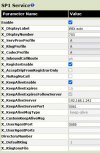
In the Service Providers/ ITSP Profile [C or whatever] / Credentials:

AuthUserName                703
AuthPassword                 [longsecretforexten703]
DTLSPeerCertAltName    [if none left blank]
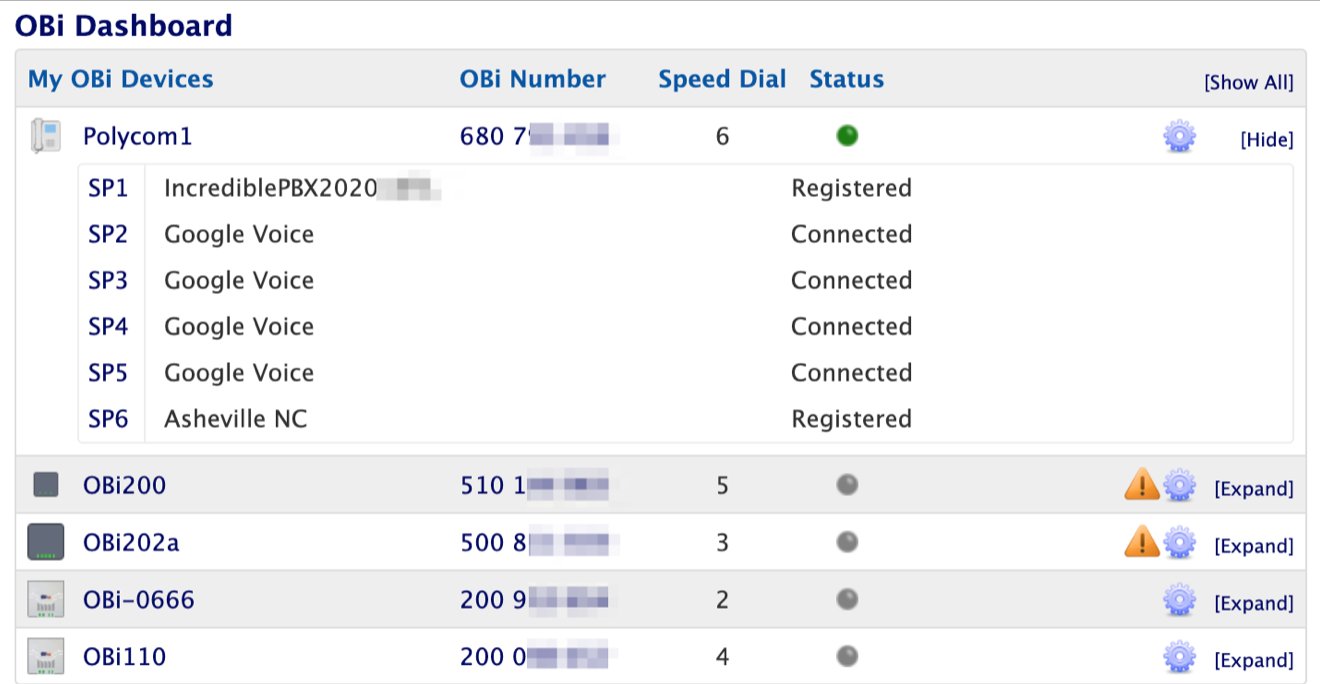
URI 703@IP_or_fqdn_or local-name[obi2182]:port[5080]Not having used #7 recipe but the vanilla config can be tweeked on the obitalk.(Configuring OBi Sip Trunk for Asterisk) am I going to mess up my current (plain vanilla ObiTalk generated) configuration?
Anyone can confirm that it works with Obi2182 ?
You can make changes in the obi2182 web interface, but when you submit and when done reboot, phone has a nasty habit of rrebooting again a couple of times; and some settings get reverted.
Best to make a backup
Backup Configuration (before and after changes)
Choose Backup Options:
Check all 3 boxes: Incl. Running Status; Incl. Default Value; Use OBi Version
Of course in
System Management/Auto Provisioning/ Obitalk Provisioning /Method can Disable when you want it left alone.
About factory reset: AFAIK there is no pinhole switch. The hole on bottom edge under the green speaker button is the microphone.
@Halea mentioned the on line images and instead of the rear Label sticker you can see there is a hole under the sticker. Could not tell if there is a switch behind the hole but YMMD.
Noted the obi200 recipe differs from the obitalk vanilla config.
Noted you can upload your config to the obitalk/ obi expert dashboard
Regards
Last edited:



 Phone System